Allocator Options
Use Allocator Options to confirm how Stratus Allocator Pro should read and process your import file before allocation.
Watch the video for an overview of Allocator Options:
00:18 Opening Allocator Options
00:30 File Format
00:45 Fixed Width Field Lengths
01:02 Allocation Settings
01:33 Percentages
02:00 Premium Types / Allocator Codes
02:29 Save and Close
To open Allocator Options, click the Tools/gear icon at the top of the Allocator page.

After changing any options, click Save.
File Format
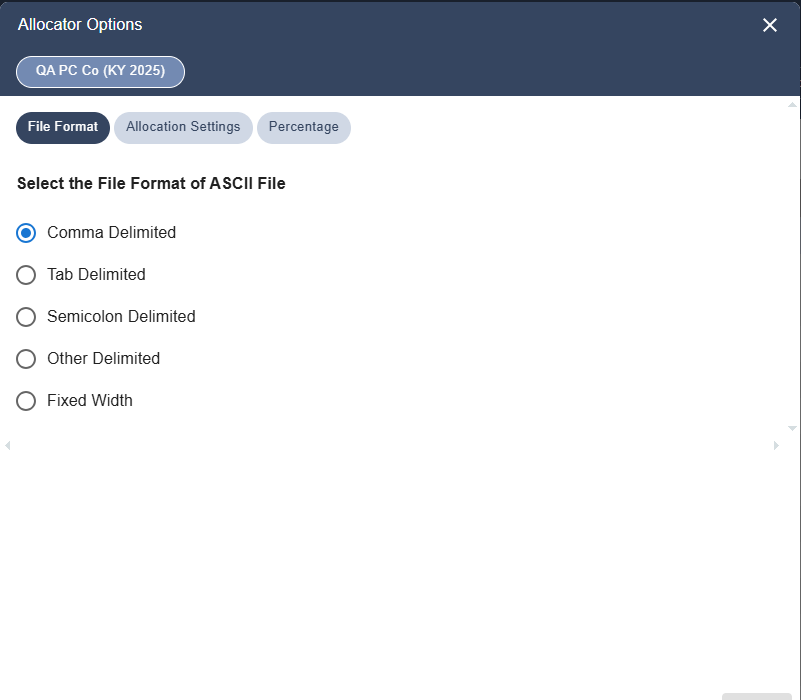
Use the File Format tab to select the format of the ASCII file you are importing.
Available file formats include:
- Comma Delimited .csv
- Tab Delimited
- Semicolon Delimited
- Other Delimited
- Fixed Width
The default file format is Comma Delimited (.csv).
If you select Fixed Width, additional fields appear so you can adjust the starting position and field length for each field in the import file.
Allocation Settings
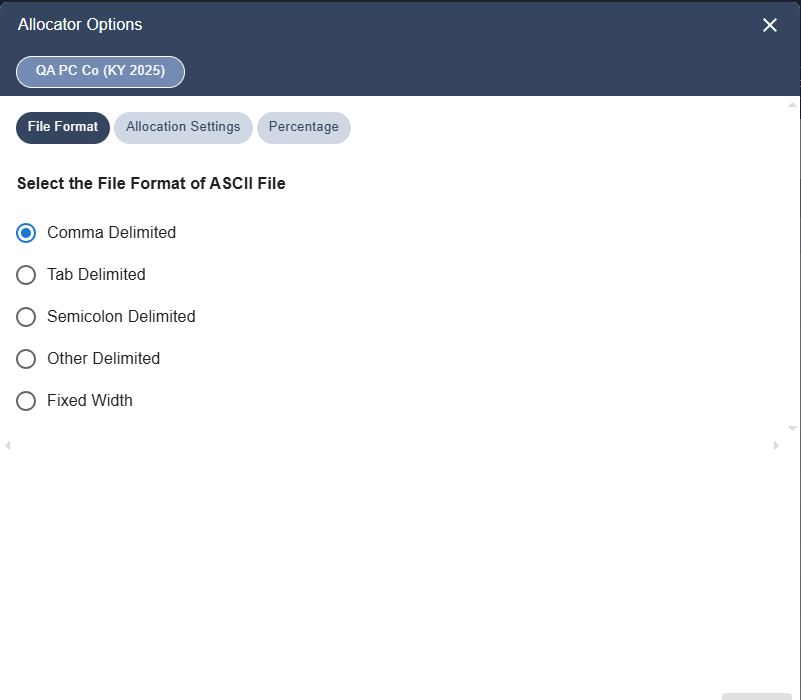
Use the Allocation Settings tab to control optional allocation behavior.
Allocate by Zip Code
Select Allocate by Zip Code to allow Allocator to use the policy zip code when a full matching address is not available or the city field is blank.
When selected, Allocator uses the zip code from the normal zip code field to help determine the appropriate jurisdiction.
Percentage
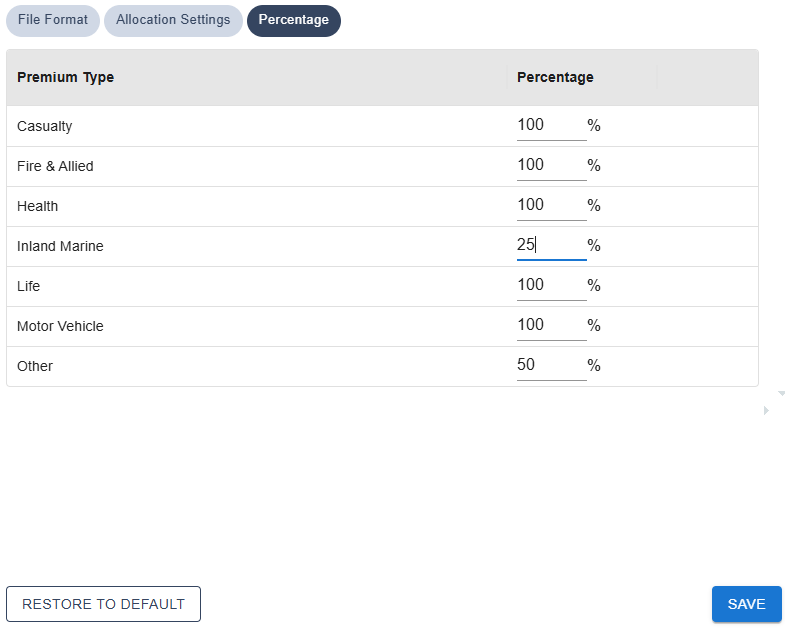
Use the Percentage tab to apply premium allocation percentages by premium type.
The percentage is applied to the source premium for each policy. The resulting amount appears in the Premiums column on the Allocation Detail, Non-Taxable, and Allocation Summary reports.
Percentages are applied on a state-by-state basis and should be reviewed before processing the file.
For states that require a premium type to be allocated at less than 100%, enter the applicable percentage for that premium type before processing the file.
Premium Types / Allocator Codes
Use the Premium Types settings to confirm or update the premium type codes used in the import file.
Allocator includes default premium type codes for the standard premium categories. If your company uses custom codes in the source file, update the code for each premium type before processing the file.
The default premium type codes are:
Code | Premium Type |
C | Casualty |
F | Fire and Allied Lines |
H | Accident and Health |
I | Inland Marine |
L | Life |
M | Motor Vehicle |
O | Other |
X | Florida only |
See the Allocator appendix for information about how premium type codes apply to each state.